고객 서비스

판매자들은 가입하면 더 많은 혜택을 누릴 수 있습니다.

모든 주문 무료 배송.

문서 카메라

Document Camera (Blue) Ultra High Definition 5MP USB Document Camera — Mac OS, Windows, Chromebook Compatible for Live Demo, Web Conferencing, Distance Learning, Remote Teaching,Scanner

3.50

지난 32시간 동안 판매됨 22

$ 29.99
$ 31.00
-3.37%

Works well for the classroom. Just plug in and go.

19 현재 누군가가 웹사이트를 탐색 중입니다.

수량:
- +

예상 배송 시간: 12~26일(국제), 3~6일(미국)

구매일로부터 45일 이내에 반품이 가능합니다. 관세 및 세금은 환불되지 않습니다.

  • ASIN:

    B09D79W8RX

  • BEST_SELLERS_RANK:

    #56,391 in Office Products (See Top 100 in Office Products) #9 in Document Cameras

  • CUSTOMER_REVIEWS:

    3.5 3.5 out of 5 stars (180) 3.5 out of 5 stars

  • DATE_FIRST_AVAILABLE:

    August 20, 2021

  • ITEM_MODEL_NUMBER:

    L503

  • ITEM_WEIGHT:

    14.9 ounces

  • MANUFACTURER:

    ZSEEWCAM

  • PRODUCT_DIMENSIONS:

    5.12 x 6.69 x 3.15 inches

안전한 결제를 보장하세요

제품 상세 정보
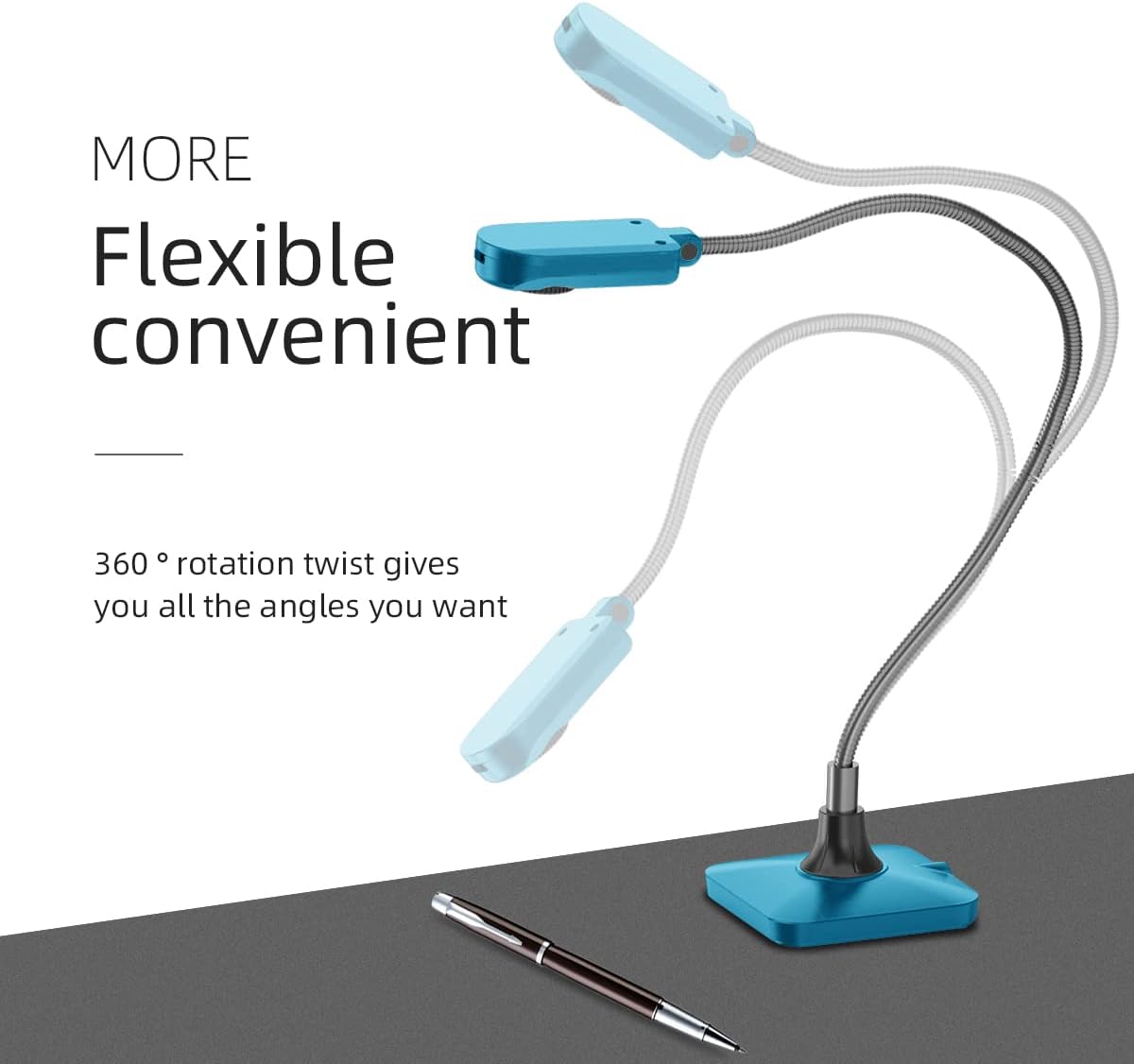
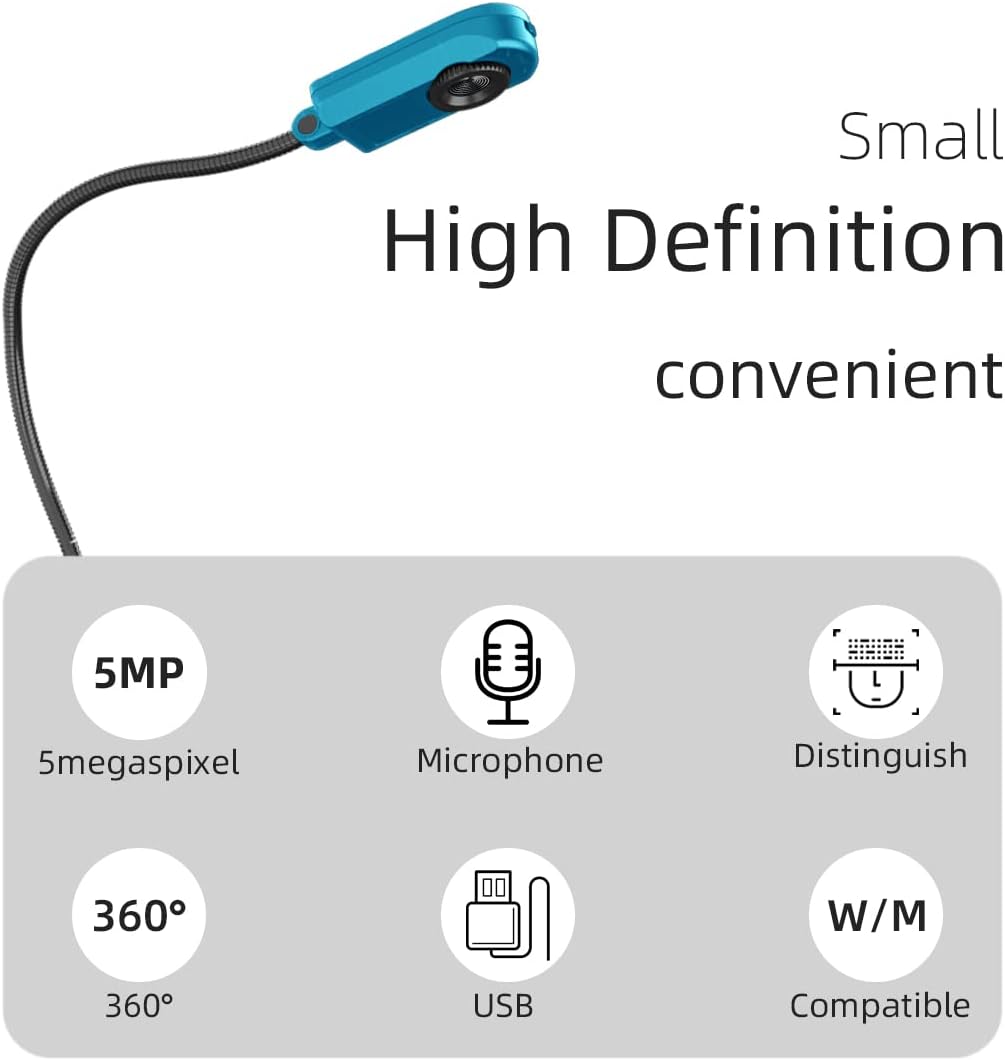
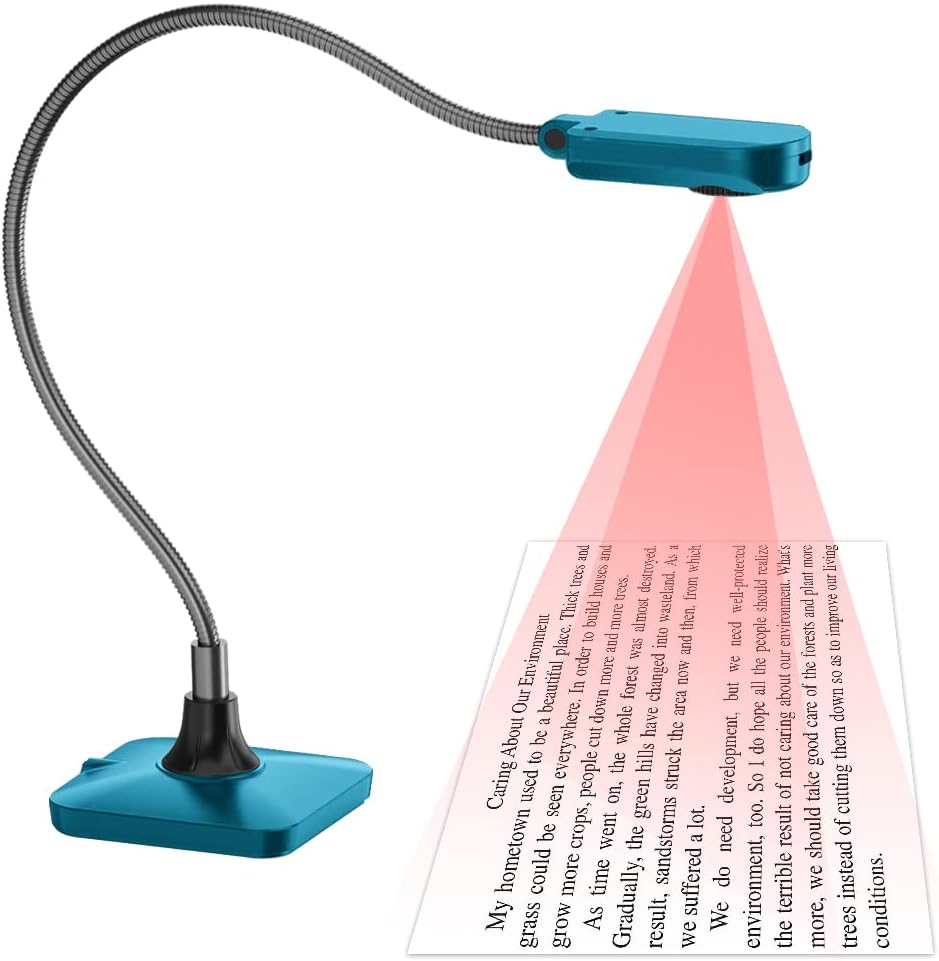
Use real-time image capture to bring new levels of engagement to your classroom lessons and presentations. The lens module rotates down to capture documents and handwritten notes as a document camera, and up to serve as a high-definition PC camera for web conferencing. The tiny base design frees up desk space and allows you to use it in different environments. At home, use it with webinar software for remote teaching. At school, use it to capture small objects and teaching materials for projection to the big screen. In the office, use it to optimize the engagement of your presentations and web conferences. Full HD 1080p Output Resolution. Jointless, Highly Flexible Gooseneck. Hi-Speed 30fps Dynamic Image. Hands-Free Auto Focusing. USB Cable Only. Plug and Play. Unique Image Optimization. Special water droplet design. Compatible with All Major Brands of Whiteboards Zoom Capacity. Mechanical Zoom : 8x. Output Resolution. XGA, SXGA, 720p, 1080p, UXGA,QXGA(2048x1536), 2592x1944. High Color Reproduction. Eab 8.58 (mean). SNR. 51 db. Sharpness. MTF 1102 lines. Close-up. 40 mm. Shooting Area. Max. 420 x 315 mm. Frame Rate. 30 fps. Lamp. Built-in LED on camera head. Power Supplied. USB Bus Power. USB Image Transmission. USB 2.0 (480 Mbps) high speed transmission. Video/Audio Recording. Yes, via software. Built-in Microphone. Yes. Image Capture. Single or Continuous Capture. Auto Tune. Yes, image optimization. Image Rotation. 0˚, 180˚, Flip, Mirror. Anti-Theft. Kensington lock port. Included-Free Lumens. Software. Support PC Windows 7, XP, Vista and Mac OSX; WIA and TWAIN interface.
고객 리뷰
3.50

(100 점수)

5
24
4
5
3
11
2
12
1
48
댓글 취소
댓글을 남겨주세요

24 논평

This is cheap. You get what you pay for. It does not take still photos, and I am unable to get it to work outside of my settings. It stopped working altogether. Just spend a few more dollars and get one that works. When I opened it, it appeared to have been used as well. Good luck finding it on your computer. Just don't do it.

Adequate but base needs more weight
2026-01-19    -SnowBeard

The camera provides adequate quality and the built in lightbis helpful. Must be used from above a flat surface unless youvhave image rotation software. The base does not have enough weight to hold the camera but was remedied with a role of duck tape.

5.0 out of 5 stars Great
2026-01-21    -mikmik

Works well for the classroom. Just plug in and go.

5.0 out of 5 stars i use this often
2026-03-04    -dysfunctional vet OIF

i use movavi studio with this camera as it is installed on my computer capture camera feature;that said, the quality is very good. some said if falls over, ya, put some weight on it and quit whining. i recent wrote a book on mapping an estate or home for landscaping and used the camera for many sketches to illistrate what was being done.i have no complaints and recommended it to several writers in the last years since i bought this. i think i got it in 2020, but i am not sure

5.0 out of 5 stars Lightweight and simple to use
2026-02-03    -christina lee

Did not come with instructions. However, I figured it out. Keep reading if you want instructions.First, connect the camera to the computer's USB port.Second, turn on the camera with the switch at the top and the light will turn on.Third, on your computer, go to settings, Bluetooth and devices, camera. Make sure you have enabled the USB camera.Fourth, go to the camera app on the computer. Click the icon at the top right corner, in the camera app, that will change it from the front facing camera to the USB camera (if you're using a laptop). This icon is located above the photo icon that you press to take a picture or record a video.

3.0 out of 5 stars Love the color!
2026-03-05    -Arianna Butler

It is functional, the camera works great, the light is helpful and I love the color, but it might be a little too long because it toppled easily. I have to maneuver it so that it stands up.

Functional & budget
2026-02-14    -B SULLY

Functional for a budget type.Takes sufficient quality photos to record/display if needed.Does a simple job, has some split second 'lag', when moving documents, but I don't mind it.

5.0 out of 5 stars Great
2025-12-26    -mikmik

Works well for the classroom. Just plug in and go.

This document camera works just fine. I had to google the name of the camera to download the needed software. The Readme first page explains how to get around the security settings on your computer. I'll come back and let y'all know if it turned out that there was a virus, but I assume it's fine. It did not show up in the sidebar of my Mac Finder Window, but on Zoom it was under Advanced settings: 2nd camera. It worked just great there. Since I intend to use it on Zoom, that's all I need to know. It has a little light on it, and you can focus the lens enough to clearly see very tiny dots on the page. I like that it is so small and flexible so that I can position it however I need in a small space on my desk. I find that it stands up perfectly well.

5.0 out of 5 stars i use this often
2026-01-04    -dysfunctional vet OIF

i use movavi studio with this camera as it is installed on my computer capture camera feature;that said, the quality is very good. some said if falls over, ya, put some weight on it and quit whining. i recent wrote a book on mapping an estate or home for landscaping and used the camera for many sketches to illistrate what was being done.i have no complaints and recommended it to several writers in the last years since i bought this. i think i got it in 2020, but i am not sure

댓글을 남겨주세요:

댓글 제목
댓글 내용
배송 및 반품
우리가 당신을 보호하겠습니다

대부분 지역에서는 배송비를 한 번만 지불하시면 됩니다 (주문 및 배송 페이지를 확인해 주세요).

구매 후 14일 이내 무료 반품 가능 (단, 수명이 다한 제품, 맞춤 제작 상품, 마스크, 향수 및 에어로졸과 같이 위험하거나 인화성 물질이 포함된 일부 제품은 제외).

수입 관세 정보

복잡한 절차는 저희가 처리해 드리겠습니다. 카나리아 제도를 제외한 모든 EU 국가, 영국, 미국, 캐나다, 호주, 뉴질랜드, 푸에르토리코, 스위스, 싱가포르, 한국, 쿠웨이트, 멕시코, 카타르, 인도, 노르웨이, 사우디아라비아, 대만, 태국, UAE, 일본, 브라질, 맨섬, 산마리노, 콜롬비아, 칠레, 아르헨티나, 이집트, 레바논, 홍콩 특별행정구, 바레인, 터키로 배송되는 상품 가격에는 모든 수입 관세가 포함되어 있습니다. 표시된 가격이 최종 결제 금액입니다.

예상 배송 시간

특급 배송: 7-10일

해당 창고에서 배송되었습니다.

더 자세한 정보가 필요하신가요?
반품 정책
반품 정책

저희는 제품 품질에 자신 있습니다. 만약 구매하신 제품에 완전히 만족하지 못하신다면, 수령일로부터 30일 이내에 간편하게 반품하실 수 있도록 정책을 마련해 두었습니다.

간편한 교환 또는 환불
  • 다른 사이즈, 색상 또는 스타일의 상품으로 교환하거나 전액 환불받을 수 있습니다.
  • 반품되는 모든 상품은 착용하지 않은 상태여야 하며, 원래 포장 상태 그대로 모든 태그가 손상되지 않은 상태여야 합니다.
간단한 절차
  • 온라인으로 반품을 신청하거나 고객 서비스 팀에 문의하여 도움을 받으실 수 있습니다.
  • 물품을 제대로 포장해 주시고, 원래의 포장 목록도 함께 넣어주세요.
  • 반품하실 상품을 보내주실 때에는 저희가 제공해 드린 선불 배송 라벨을 사용해 주시기 바랍니다.
  • 환불 요청 접수 즉시 처리해 드리겠습니다.

반품과 관련하여 궁금한 점이나 우려 사항이 있으시면 언제든지 저희 전문 고객 서비스 팀에 문의해 주세요. 고객 만족은 저희의 최우선 목표입니다.

범주
차이
제품
모든 제품 지우기